
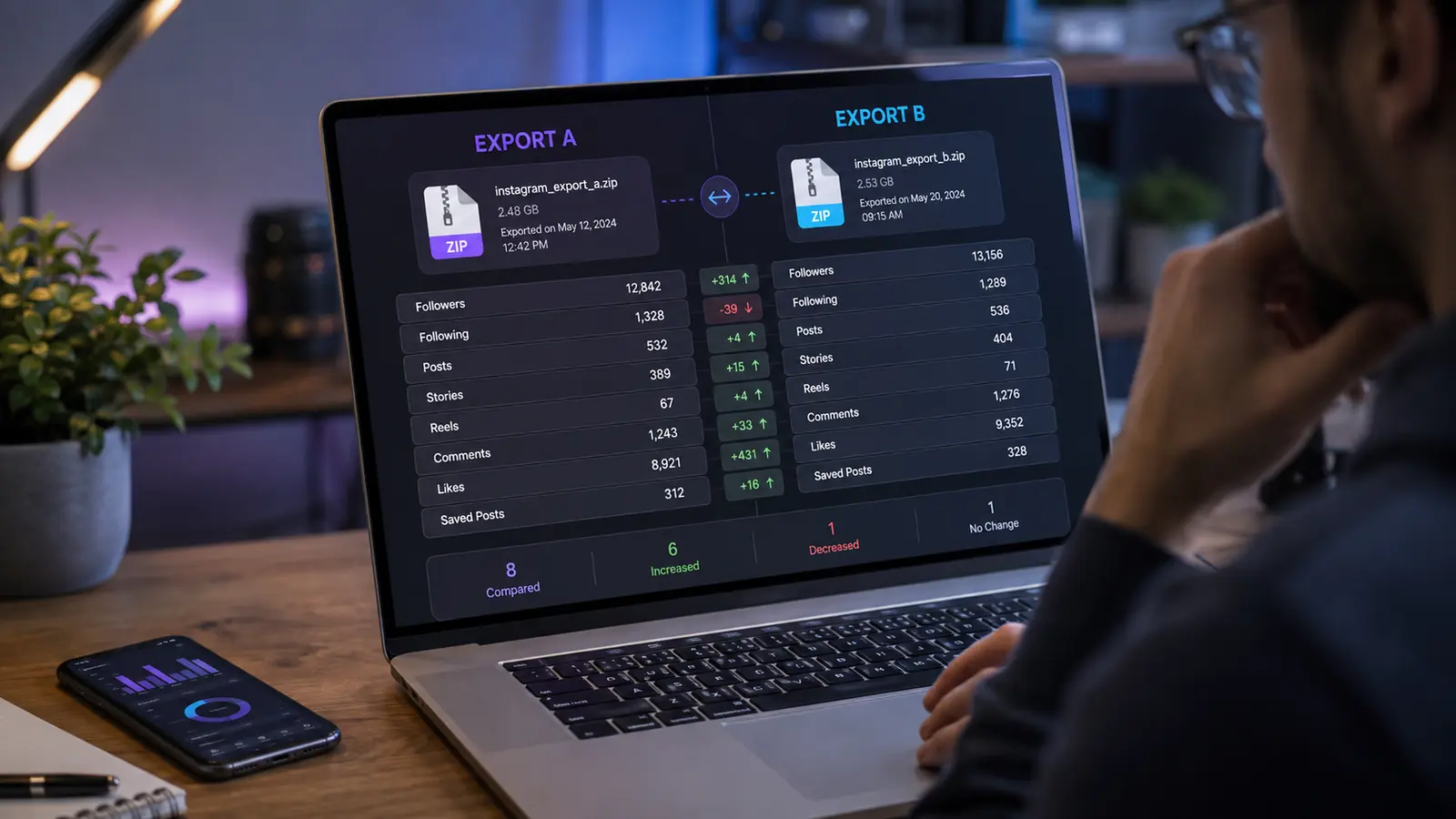
An Instagram data export is a snapshot, not a live activity log. One export can show the followers and following relationships included at that point in time. To identify who later unfollowed, you need at least two exports: an earlier snapshot and a later snapshot.
The useful comparison is account by account. A change in the total follower count alone cannot identify who left because new followers and lost followers can offset each other.
Prepare the two exports
Request both archives from the same Instagram account. When Instagram offers a format choice, use the same format for both requests, and select follower and following information. Keep each downloaded ZIP intact so its internal folders and files remain available to the importer.
- Earlier export: establishes the starting follower list.
- Later export: establishes the comparison list.
- Account identity: both archives must represent the same Instagram profile.
Upload the earlier snapshot first
Your first import creates a baseline. It can identify current relationships in that snapshot, including accounts you followed that did not follow you back at that time. It cannot prove who unfollowed before the baseline existed because there is no earlier follower list to compare.
Record the export or upload date. The date describes the snapshot boundary and makes future results easier to interpret.
Add the later snapshot
After time has passed, request a fresh archive and upload it to the same UnfollowTrace account. The later import can be compared with the earlier one. Accounts present in the earlier followers list but absent in the later list are follower losses for that interval. Accounts absent earlier but present later are new followers for the interval.
This is an interval comparison, not continuous monitoring. If someone unfollowed and followed again between the two snapshots, both endpoint lists may still contain the account, so that temporary change will not appear.
Read the result correctly
Always connect the result to the two snapshots used. “Unfollowed between the August 1 and August 20 exports” is supported by the data. “Unfollowed at 3:00 PM on August 12” is not, because the archive does not contain a live timestamped unfollow event.
Also separate non-followers from unfollowers. A non-follower is an account you follow that is not in the current followers list. An unfollower is an account that moved from present in an earlier followers list to absent in a later one.
Build a useful history
Additional exports create more comparison intervals. A monthly routine, for example, can show changes from January to February and February to March. Keep the cadence reasonably consistent when you want comparable windows, but choose a schedule that matches how closely you need to observe changes.
Create your first baseline
Upload one official export for current relationships, then add a later export when you are ready to compare changes.
Start your report