
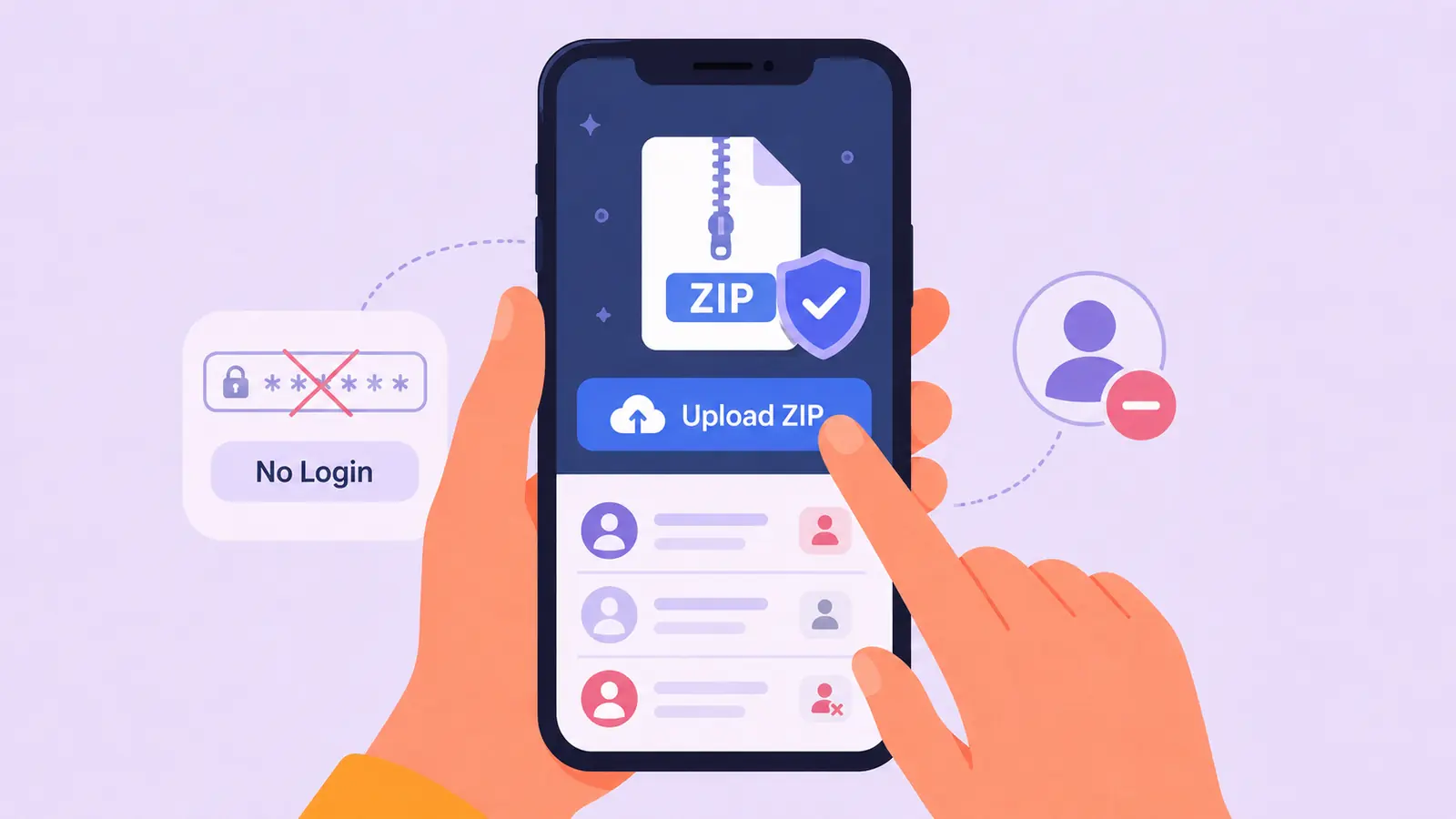
An unfollow tracker needs follower relationship data to produce a report. It does not necessarily need direct access to your Instagram account. UnfollowTrace uses an archive you request from Instagram yourself, so you never enter your Instagram password into the tracker.
You may sign in to UnfollowTrace to access your dashboard and report history. That product account is separate from your Instagram credentials.
What direct Instagram access means
A tool asking you to enter an Instagram username and password is requesting sensitive credentials. Depending on the tool, it may attempt to access account information directly, automate actions, or maintain a session connected to Instagram.
Before using any service, verify which account you are signing into, why access is requested, and what permissions are granted. A page styled like Instagram is not evidence that it belongs to Instagram.
How the export-based workflow differs
- You open Instagram or Accounts Center directly.
- You request your official data export from Instagram.
- Instagram prepares the archive and makes it available to you.
- You download the ZIP to your device.
- You sign in to UnfollowTrace, not Instagram, and choose the archive.
- Your browser filters the ZIP for required relationship files.
The report is based on the follower and following records in the archive. It does not need to log in to Instagram, read a live Instagram session, or continuously monitor the account.
What happens to the ZIP?
The selected archive is filtered locally in your browser before anything is sent. Messages, media, contacts, and unrelated files do not leave the device through this upload flow. Only required follower and following source files are sent for processing.
The original ZIP stays in the browser. Required source files are deleted after processing. Parsed report results are retained to provide the dashboard, snapshots, and later comparisons. These statements should always remain aligned with the product's actual implementation and current privacy policy.
What the report can show
A first export can show current relationships, including accounts you follow that do not currently follow you back. It cannot prove which accounts previously followed you.
After at least two exports are uploaded for the same account, the product can compare earlier and later follower records. Accounts present earlier but absent later can be identified as unfollowers for that snapshot interval.
Because this is an export workflow, the report updates only when you provide a new export. It is not a live connection to Instagram.
Does “without login” mean no risk?
No responsible service should promise zero risk. Avoiding Instagram credential sharing reduces a specific category of exposure, but you should still protect downloaded archives, use a trusted device, review the service's privacy terms, and keep your product account secure.
Also verify that you are on the expected domain before signing in or selecting files. Do not send Instagram archives through email or unrelated upload forms simply because they claim to analyze followers.
A practical safety checklist
- Request the export directly from Instagram or Meta Accounts Center.
- Never provide your Instagram password to UnfollowTrace.
- Confirm that the archive belongs to the account you intend to analyze.
- Keep downloaded exports private on your device.
- Read the privacy policy and terms before uploading.
- Use a later export, not the same file again, when creating a change comparison.
Get started without Instagram credentials
First, follow the official data export download steps. Once Instagram provides the ZIP, select it in UnfollowTrace. If this is your first snapshot, read the current relationship report. Return with a later export when you want to identify changes.
Use your export, not your Instagram password
Start an export-based report from a ZIP you requested directly from Instagram.
Start your report