
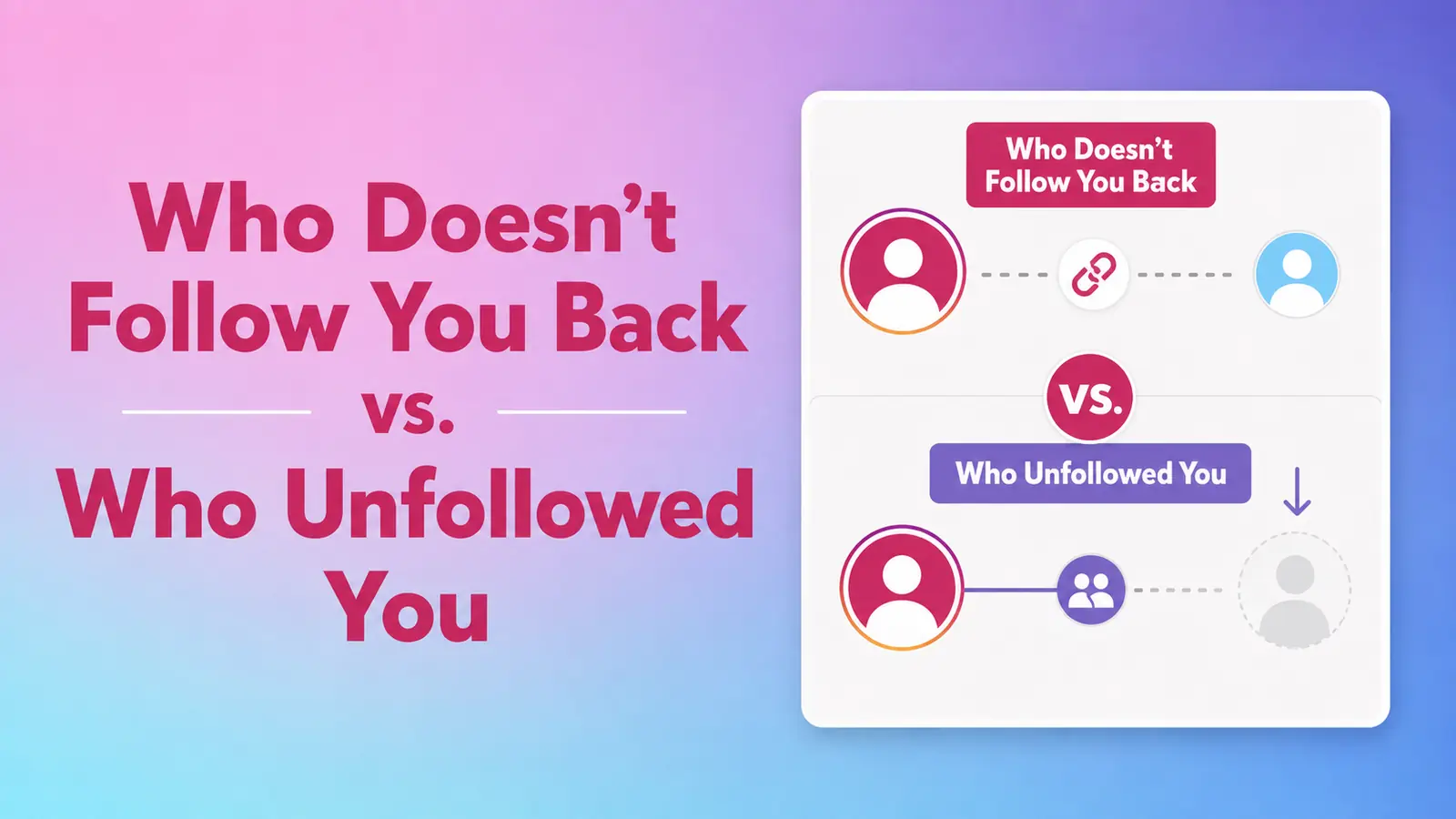
“Who doesn't follow me back?” and “Who unfollowed me?” sound similar, but they describe two different kinds of evidence. A current relationship can be calculated from one snapshot. A change requires an earlier snapshot and a later one.
Keeping that distinction clear prevents an Instagram unfollow tracker from presenting an assumption as a historical fact.
What is a non-follower?
A non-follower, in this context, is an account you currently follow that is not present in your current followers list. The result is found by comparing two lists from the same Instagram data export:
- Following: accounts your profile follows.
- Followers: accounts that follow your profile.
If an account appears in Following but not in Followers, that account does not currently follow you back. One official Instagram export is enough to calculate this current-state relationship.
The result does not explain how the relationship developed. The account may never have followed you, may have unfollowed months ago, or may represent a changed or unavailable account. A single snapshot cannot distinguish those histories.
What is an unfollower?
An unfollower is an account shown in an earlier followers snapshot but missing from a later followers snapshot. That conclusion depends on comparing at least two points in time.
For example, suppose an account appears in the followers list from an August 1 export. It is absent from the followers list in an August 20 export. The comparison can report that the account was lost between those snapshots. Without the August 1 record, the August 20 export only shows that the account is not currently a follower.
Why two exports are necessary
A change is defined by a before state and an after state. Public profile numbers are not enough because a follower count can rise or fall for many reasons, and the total does not identify individual accounts. A follower list at one time also cannot reveal which accounts were present previously.
Official exports provide the relationship records needed for a direct list comparison. UnfollowTrace stores the parsed results required for your dashboard and comparison history, allowing a later import to be compared with an earlier one.
What a first import unlocks
- Accounts that currently follow you.
- Accounts you currently follow.
- Accounts you follow that do not currently follow you back.
- Mutual relationships where both accounts follow each other.
What a later import adds
- Accounts present in an earlier followers snapshot but absent later.
- Accounts absent earlier but present in the later followers snapshot.
- Changes between the actual dates represented by the imports.
How to interpret the report
Treat current-state sections as a description of the imported snapshot, not a statement about someone's past action. Treat change sections as a comparison between named snapshots, not a live feed from Instagram.
The report does not connect to Instagram to watch follower activity continuously. To update it, request another export from Instagram and upload the new ZIP. The new comparison covers the interval between the available snapshots.
A practical example
You follow 300 accounts. Your current export shows that 40 of them are not in your followers list. Those 40 are current non-followers. If this is your first upload, the product cannot say which of those accounts unfollowed you.
Two weeks later, you upload another export. Three accounts that appeared in the earlier followers list no longer appear in the later one. Those three can be reported as unfollowers for that comparison period. They may or may not be part of the original group of 40, because the two calculations answer different questions.
Start with a current snapshot
Upload one official export for current relationships, then return with a later export when you want to compare changes.
Start your report